
Web and Mobile Development
Website vs Web Application: What Is the Difference?
A website and a web application both open in a browser, use URLs, and can look visually similar. The important difference is what the user is expected to do. A website primarily communicates and guides visitors toward an action. A web application allows users to perform ongoing tasks, manage data, and interact with business logic. Understanding the distinction helps you choose the right scope, budget, technology, and content strategy.
Section 1
The Simple Difference
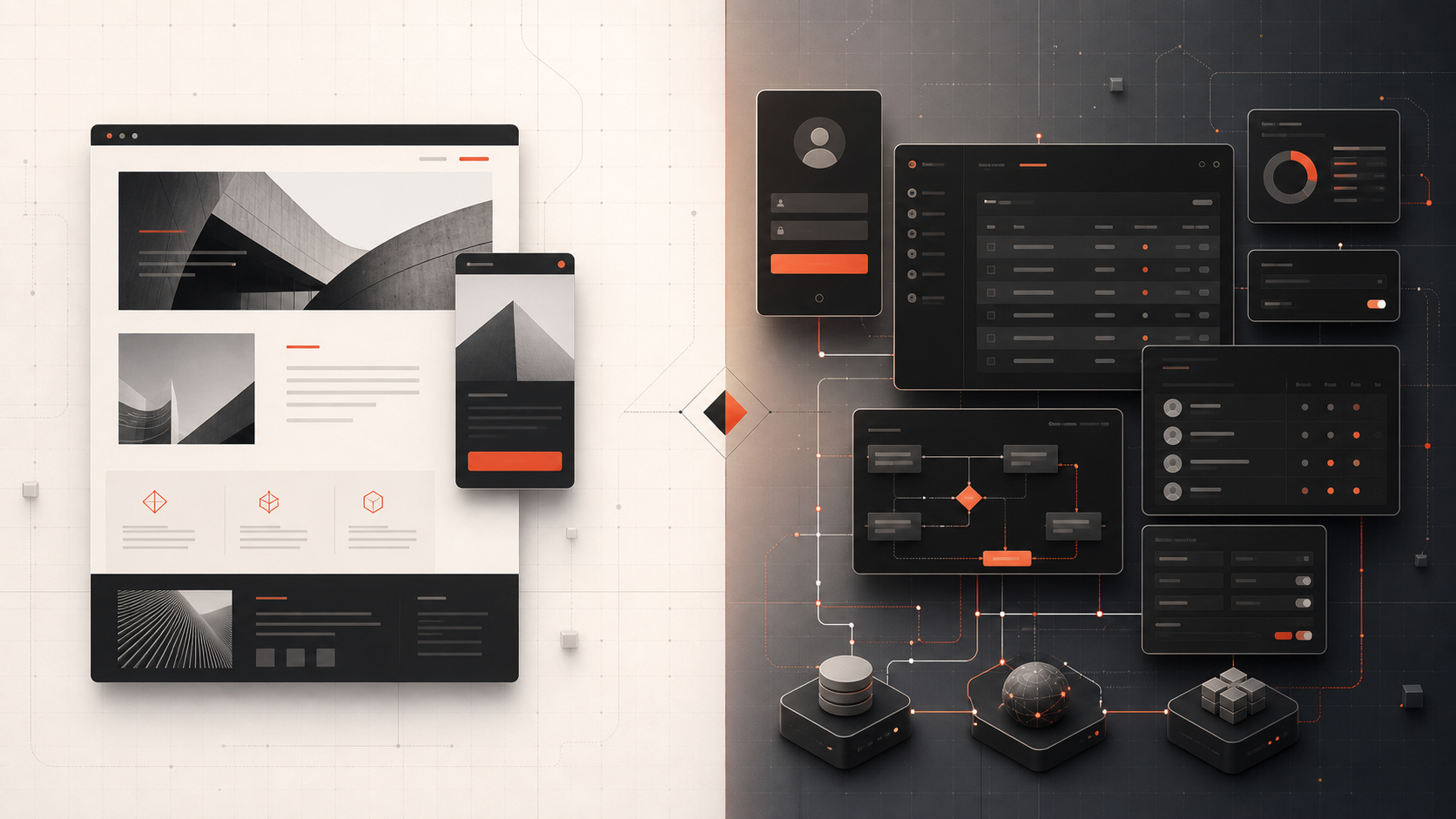
A website is generally content-led. Its purpose is to explain a company, service, product, idea, or resource. Visitors read pages, view media, compare options, submit enquiries, book calls, or consume articles. Marketing websites, portfolios, service websites, and publishing sites fit this model.
A web application is task-led. Users log in or enter a controlled workflow to create, edit, process, search, approve, calculate, communicate, or report on data. Examples include customer portals, CRMs, project systems, dashboards, booking platforms, property-management systems, and SaaS products.
Modern projects can contain both. A SaaS company may have a public SEO website for acquisition and a separate authenticated application for customers. A property business may have listing pages for visitors and an internal CRM for agents.
Related Service
Need a Website, a Web Application, or a Connected System?
Criflet can separate the public marketing experience from the operational workflows, then design the right combination without turning a simple requirement into an oversized build.
Discuss Your Digital ProductSection 2
Purpose and User Behaviour
Website success is often measured through visibility and conversion: search traffic, engaged visits, service-page views, enquiries, calls, downloads, bookings, or purchases. The content and information architecture help a visitor understand, trust, and act.
Web-application success is measured through task completion and continued use: activation, time saved, records processed, errors reduced, retention, collaboration, transactions, or customer outcomes. The interface is designed around workflows rather than a marketing narrative.
Ask what the primary user does after arriving. If the answer is “learn and contact us,” you likely need a website. If the answer is “sign in and manage work,” you need a web application. If both are important, plan a connected website and application experience.
Section 3
Content, Data, and Personalisation
Websites usually display content managed by an owner or editorial team. Visitors may see the same page, with limited personalisation. A content management system can allow non-technical staff to publish pages, case studies, services, and blog posts.
Web applications store and process user-specific or organisation-specific data. The interface may change based on account, role, status, subscription plan, permissions, location, or previous actions. Users expect their changes to persist and remain available later.
Because applications handle operational data, they require stronger thinking around validation, permissions, database design, auditability, backups, and failure handling.
Section 4
Authentication and Permissions
Most websites do not require visitors to log in, although editors may use a private content-management area. Web applications commonly need account creation, authentication, password recovery, organisation membership, roles, and access controls.
Permissions should be enforced on the server and data layer, not only by hiding buttons. A manager may view team reports, an employee may update assigned records, a customer may see only their own account, and an administrator may manage global settings.
These requirements add engineering and testing work. They are one reason a web application typically costs more than a similarly sized marketing website.
Section 5
Technical Complexity and Maintenance
A high-quality website still needs responsive design, accessibility, performance, security, analytics, SEO foundations, forms, content management, and reliable hosting. However, the core behaviour is usually less stateful than an application.
A web application may include APIs, databases, background jobs, queues, notifications, integrations, real-time updates, file processing, payment logic, search, reporting, and deployment pipelines. It must protect data and maintain consistent behaviour when multiple users act at the same time.
Maintenance differs too. A website needs content updates, dependency patches, form monitoring, and performance review. An application additionally needs product support, bug triage, data operations, monitoring, backups, security review, and feature development.
Section 6
SEO and Discoverability
Public website pages are designed to be discovered, indexed, and understood by search engines. They need clear page titles, headings, internal links, crawlable content, useful information, and a strong match to search intent.
Authenticated application screens are generally not intended for organic search. They may contain private data, personalised content, or interaction states that should not be indexed. The public marketing website should explain the product and capture search demand, while the application serves signed-in users.
Some products expose public application-like pages—property listings, directories, profiles, calculators, or public reports. These require careful URL design, indexation rules, structured content, and performance planning.
Section 7
Which One Does Your Business Need?
Choose a website when the main requirement is credibility, visibility, education, lead generation, content publishing, or a clear online presence. Choose a web application when people must perform repeatable actions, collaborate, manage records, access personalised information, or automate a business process.
Many businesses need both but should not build both at the same depth immediately. A new service business may begin with a strong website and simple enquiry workflow. A company with growing operational complexity may prioritise an internal application while keeping the public website focused.
Define the customer journey from discovery to ongoing service. The website can attract and qualify the visitor, then hand the lead or customer into the application, CRM, portal, or onboarding flow without duplicate entry.
- Need public information and lead generation: website.
- Need logins, records, workflows, and permissions: web application.
- Need public acquisition plus customer operations: both.
- Need only a temporary campaign or validation page: landing page.
- Need a standard content store with checkout: likely an established commerce platform rather than a fully custom app.
Next Step
Choose the Right Product Before Choosing the Technology
Explain what visitors, customers, and staff need to accomplish. Criflet will help you define whether the solution is a website, an application, or a connected combination.
Talk to CrifletFrequently Asked Questions
Common questions about this topic.
Its public pages function like a website, while the signed-in experience is a complex web application. Many modern platforms combine both models.
No. A web application runs through a browser. Some can also be installed as progressive web apps, but installation is not required for the term.
WordPress is a content-management application used to build websites. The public result is usually a website, while the administration area is a web application.
Yes. Forms, calculators, search, and booking widgets do not automatically make the whole project a web application. The distinction depends on the main purpose and depth of interaction.
They usually require databases, business rules, accounts, permissions, integrations, testing, security, monitoring, and ongoing product maintenance.