
Real Estate Technology
What Features Should a Property Listing Website Include?
A property listing website should do more than display photographs and a contact number. It needs to help buyers or tenants find relevant options, understand the property, trust the agency, and make an enquiry with enough context for an agent to respond effectively. Behind the public pages, staff need an efficient way to manage listings, availability, agents, locations, projects, and incoming leads. This checklist covers the features that matter most.
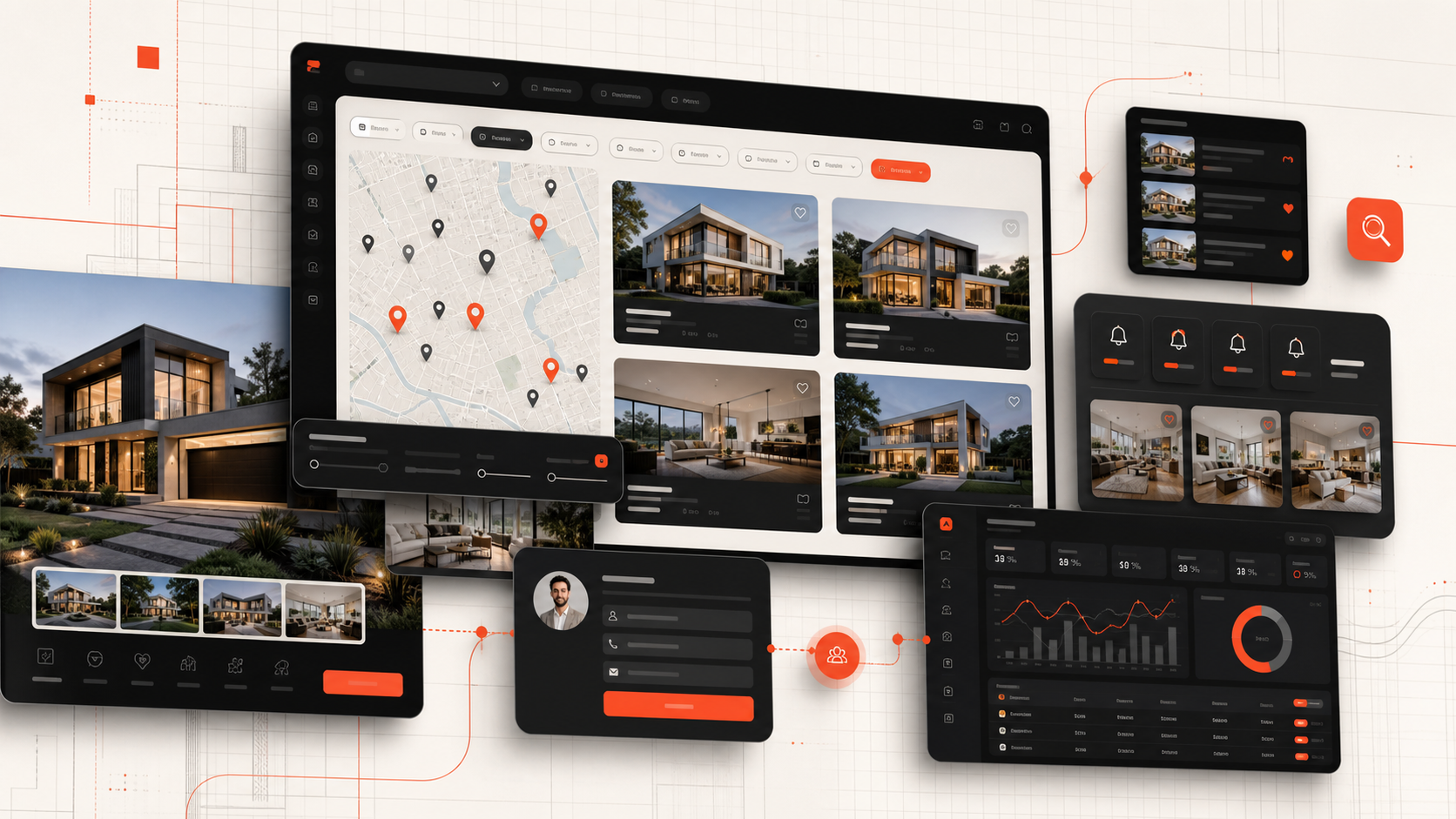
Section 1
Fast Property Search and Useful Filters
Search should reflect how the target audience chooses property. Common filters include buy or rent, location, property type, price range, bedrooms, bathrooms, area, furnishing, completion status, and amenities. New-development sites may also need handover date, payment plan, developer, project, or unit type.
Avoid presenting every available field as a filter. Too many controls create friction, especially on mobile. Start with high-intent filters, then provide an advanced panel for additional criteria.
Results should update predictably and preserve the user’s choices. Include sorting such as newest, price, area, or relevance, and show enough information on each card to help users decide whether to open the detail page.
Related Service
Build a Property Website That Supports the Sales Process
Criflet can create a responsive property listing website with structured search, strong listing pages, lead capture, administration, and CRM integration tailored to your brokerage or project portfolio.
Plan Your Property WebsiteSection 2
Complete and Persuasive Property Detail Pages
Every listing needs a clear title, accurate price, location, property type, bedrooms, bathrooms, area, availability status, description, features, photographs, and a strong enquiry action. Use consistent units and labels so visitors can compare options easily.
High-quality media matters. Galleries should be fast, mobile-friendly, and easy to navigate. Video, floor plans, virtual tours, maps, and downloadable brochures can be added where they improve the decision rather than simply decorate the page.
The page should answer practical questions: what is included, whether the property is furnished, who the property suits, nearby landmarks, fees, payment terms, availability, and how to arrange a viewing. Avoid copied descriptions that add little value or create duplicate content.
Section 3
Context-Rich Lead Capture
A generic “contact us” form loses valuable context. The enquiry should automatically include the listing reference, property title, source page, campaign data, and preferred contact method. Ask only for information that helps the first response, such as name, phone, email, move date, financing status, or viewing preference.
Provide relevant options: request details, arrange a viewing, ask about availability, speak on WhatsApp, or receive similar properties. The correct CTA depends on the market and user intent.
Leads should enter a shared CRM or lead-management workflow rather than only an inbox. Immediate acknowledgement, ownership, follow-up tasks, and source tracking can improve response consistency.
Section 4
Maps, Locations, and Neighbourhood Content
Location is central to property search, but a map alone is not enough. Create structured area pages that explain the neighbourhood, property types, price positioning, lifestyle, transport, landmarks, schools, and available listings.
Location pages can support both users and organic search when they provide useful, original information. They should not be thin pages generated only by combining a place name with a repeated template.
Map precision should match the business context. Some sellers or landlords may not want an exact address displayed publicly. The system can show an approximate area while preserving precise data internally.
Section 5
Saved Properties, Saved Searches, and Alerts
Property decisions often take time. Allow visitors to save listings, compare options, or submit a search requirement. A saved search can notify users when a matching property is added or a price changes.
These features support return visits and create a stronger understanding of demand. They also require clear consent, preference controls, and a simple way to unsubscribe or change alerts.
A first version can keep this lightweight. For example, users may submit criteria and receive curated options from an agent before a full self-service account system is justified.
Section 6
Efficient Listing Management for Staff
The administration system should make listing quality easier to maintain. Staff need structured fields, media upload, drafts, review, publishing, status changes, featured placement, assignment, and expiry or refresh controls.
Validation can prevent incomplete listings. Required information may differ by sale, rental, project, commercial, or off-plan property. Reusable amenity sets, location data, and media ordering reduce repetitive work.
Availability must stay current. Define how listings become reserved, under offer, sold, rented, withdrawn, or archived. Stale listings damage trust and generate enquiries agents cannot serve.
Section 7
Agent, Project, and Developer Pages
Agent pages can show expertise, languages, service areas, contact methods, active listings, and verified profile information. Leads should still enter a shared system so management retains visibility and can handle absence or reassignment.
Project pages need richer structure than individual properties. They may include overview, master plan, amenities, unit types, payment plans, construction or handover status, developer profile, location, brochures, videos, and available units.
For brokerages working with several developers, consistent project data helps users compare options and enables campaign-specific landing pages.
Section 8
SEO, Performance, and Accessibility Foundations
Public listing pages should have unique URLs, clear titles and headings, crawlable text, internal links, canonical rules, image optimisation, and structured information. Search results, filter combinations, expired listings, and duplicate project-unit pages need deliberate indexation decisions.
Property websites are media-heavy, so performance must be designed from the beginning. Use responsive images, modern formats, lazy loading where appropriate, sensible gallery behaviour, caching, and fast search responses.
Accessibility improves the experience for more users and reduces avoidable barriers. Forms need labels and error guidance, keyboard navigation should work, text needs sufficient contrast, and interactive elements should have clear states.
Section 9
CRM, Portal, Analytics, and Reporting Integrations
A listing website becomes more valuable when it connects with the systems that manage enquiries and inventory. CRM integration should preserve listing context, source, campaign, contact details, and consent. Portal feeds may need imports or exports, field mapping, media handling, and status synchronisation.
Analytics should track useful actions: search performed, filter used, listing viewed, gallery engaged, WhatsApp clicked, form started, enquiry submitted, viewing requested, and brochure downloaded. These events can reveal which locations, property types, prices, and campaigns generate meaningful demand.
Do not integrate everything at once. Prioritise the connections that improve listing accuracy, response time, attribution, or staff workload.
Next Step
Turn Listings Into a Search and Enquiry Experience
Share your property types, markets, lead channels, and current inventory process. Criflet will help you define the right public website and internal management features.
Contact CrifletFrequently Asked Questions
Common questions about this topic.
Accurate, easy-to-search listings connected to a reliable enquiry workflow. Strong design cannot compensate for outdated inventory or lost leads.
Usually not. Browsing should be open. Accounts can be optional for saved properties, alerts, applications, or customer-portal features.
Not always. The website can show an approximate area when privacy or commercial considerations require it, while storing exact details internally.
Yes, when the portal provides a supported feed, API, or import method. The integration needs careful field mapping and status management.
Use detailed listing content, relevant CTAs, contextual forms, source tracking, fast response workflows, area content, and CRM integration.