
CRM and Business Systems
When Does a Small Business Need a Custom CRM?
A small business does not need custom CRM software simply because it has customers. Many teams can operate well with a standard CRM, a carefully designed spreadsheet, or a lightweight pipeline tool. Custom development becomes relevant when the way leads become customers, work moves through the business, or data connects across teams is too specific for general software. This article explains the operational signs, financial considerations, and decision process.
Section 1
What a Custom CRM Is—and What It Is Not
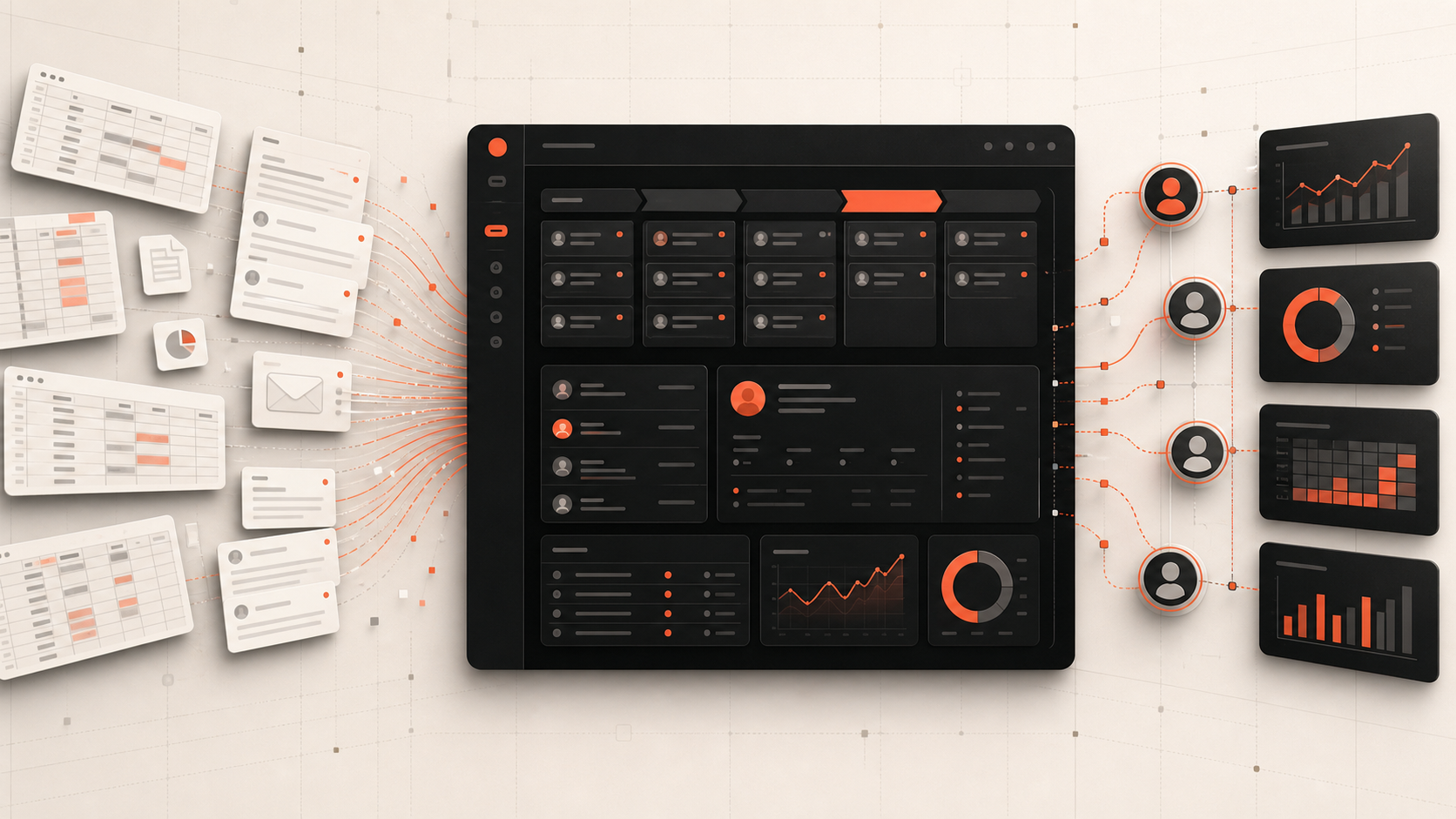
A customer relationship management system stores and organises information about prospects, customers, conversations, deals, activities, and follow-ups. A custom CRM is designed around the company’s sales and service process rather than a vendor’s default pipeline.
It does not need to reproduce every feature found in a large commercial platform. For a small business, the most valuable version may be a focused system that captures leads from the website and WhatsApp, assigns ownership, records follow-ups, tracks status, creates quotes, and shows management what needs attention.
Custom CRM development should solve a process problem. Replacing a standard tool with a custom copy that offers no meaningful advantage creates cost without business value.
Related Service
Explore a CRM Built Around Your Actual Workflow
Criflet can review your lead sources, hand-offs, follow-up process, reporting, and existing tools, then recommend configuration, integration, or a focused custom CRM.
Review Your CRM WorkflowSection 2
Signs You Have Outgrown Spreadsheets or a Generic CRM
The clearest signal is repeated manual coordination. Leads arrive from several channels, staff copy details into different sheets, ownership is unclear, and managers ask for updates through messages. The business may be losing opportunities even though everyone appears busy.
Another sign is that the team has stopped trusting the current system. Data is incomplete, reports do not match reality, staff keep private notes, and important follow-ups depend on memory. This is often a workflow and adoption problem rather than a lack of fields.
A custom CRM may be justified when the standard system requires extensive workarounds, expensive add-ons, or repeated exports to support the actual process.
- Leads are duplicated or missed across email, forms, calls, social media, and messaging.
- No one can quickly see the next action for every opportunity.
- Staff re-enter the same data in quoting, operations, invoicing, or reporting tools.
- Managers build reports manually from multiple sources.
- The sales process includes industry-specific stages, documents, approvals, or assignments.
- Per-user subscription cost is rising while adoption remains low.
Section 3
Your Sales Process Contains Unique Workflow or Automation
A standard pipeline works when deals move through common stages. It becomes restrictive when progress depends on service type, geography, inventory, technical assessment, document status, property availability, compliance checks, or operational capacity.
Custom automation can route a lead by location, service, language, workload, or value; create tasks based on status; request missing information; generate a quote; notify a manager; or hand an approved deal into delivery. The CRM becomes part of the operating system rather than a digital address book.
The value comes from consistent execution. Staff no longer need to remember every rule, and managers can see exceptions instead of chasing routine updates.
Section 4
You Need a Reliable Source of Truth Across Systems
Small businesses often add tools one at a time: website forms, email, WhatsApp, accounting, scheduling, documents, support, and spreadsheets. Each tool may work well, but the customer journey becomes fragmented.
A custom CRM can connect the high-value points. A website enquiry creates a lead automatically. A salesperson updates qualification. An accepted quote creates an onboarding task. A completed project triggers a follow-up or renewal reminder. Management reports use the same data rather than manually merged exports.
Not every integration should be built. Prioritise connections that remove duplicate entry, reduce delay, improve customer experience, or provide information needed for decisions.
Section 5
When a Custom CRM Is the Wrong Choice
Do not build a custom CRM when the business process is still changing every week and no one can describe the desired workflow. Start by standardising the process and testing it with a configurable tool.
A custom system is also unnecessary when a standard CRM covers the must-have requirements at a reasonable total cost. Mature products offer email sync, automations, reporting, mobile access, integrations, and support that would be expensive to reproduce.
Avoid custom development when there is no internal owner. Someone must be responsible for data quality, adoption, workflow decisions, user feedback, and prioritising improvements. Software cannot replace process ownership.
Section 6
Build the Business Case
Estimate the current cost of missed leads, slow response, duplicate entry, manual reporting, subscription fees, errors, and staff time. Then estimate how much of that cost a focused system could realistically remove. Include revenue opportunities such as faster follow-up, improved conversion, better retention, or capacity to handle more work without adding administration.
Compare a custom solution with configuring an existing CRM and integrating it. The goal is not to prove that custom software is best. It is to find the lowest-risk approach that produces the required outcome.
A phased CRM can begin with lead capture, ownership, stages, tasks, notes, and reporting. Quoting, customer portals, automation, operations, or advanced analytics can follow after adoption is proven.
Section 7
What a Small-Business Custom CRM Should Include First
The first release should support the complete lead-management loop: capture, qualification, assignment, follow-up, progression, outcome, and reporting. The system needs clear roles, searchable records, activity history, reminders, and a simple administration area.
Design for the daily user. Fast entry, mobile responsiveness, sensible defaults, and relevant views matter more than a large feature list. A CRM fails when updating it feels like extra work rather than part of doing the work.
- Automatic or simple lead capture.
- Contact and company records.
- Pipeline stages and ownership.
- Tasks, reminders, notes, and activity history.
- Search, filters, and duplicate handling.
- Basic role-based permissions.
- Management dashboard and export.
- Integration with the most important enquiry channel.
Section 8
Custom CRM Decision Checklist
A custom CRM is worth exploring when the pain is measurable, the process is understood, the required difference is meaningful, and someone will own adoption. Begin with a workflow review rather than a list of screens.
Interview the people who handle leads, not only management. Observe where information enters, where it is copied, where it becomes unreliable, and what staff need at the moment of action. Those details should shape the system.
- Can the current problem be solved by configuring an existing CRM?
- Which workflow rules are unique and valuable?
- What data must be shared with other systems?
- How much time or revenue is currently lost?
- Who will own the CRM internally?
- What is the smallest release that can improve the process?
Next Step
Stop Managing Growth Through Scattered Updates
Show Criflet how leads enter, move, and become customers. We will help you identify whether a custom CRM, integration, or improved setup is the right next step.
Discuss Your CRMFrequently Asked Questions
Common questions about this topic.
It can be, but only when the workflow problem or integration need creates enough measurable value. Many very small businesses should start with a configured standard tool.
Yes, using official APIs and appropriate integration architecture. The exact capabilities depend on the messaging setup, consent, templates, and platform rules.
A focused first release may take weeks, while a broad operational platform can take months. Scope, integrations, data migration, roles, and automation are the main variables.
Yes. A phased roadmap is usually preferable. Start with the workflow that creates the most value, then add quoting, portals, operations, analytics, or other modules after adoption.
Not necessarily. It can become the central customer and workflow system while integrating specialised accounting, email, document, scheduling, or support products.